Guide Dogs for the Blind
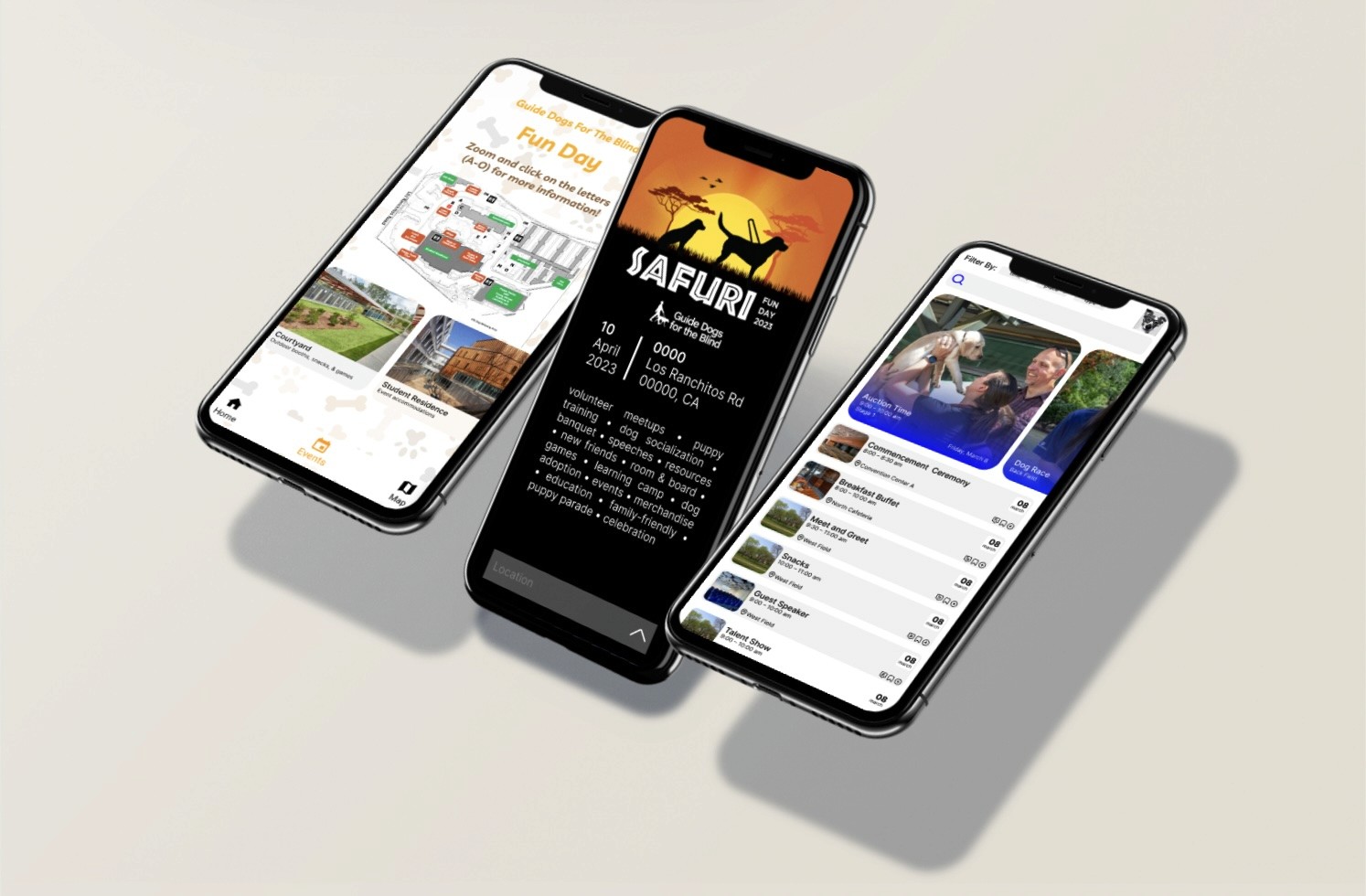
Fun Day relied on physical brochures for schedules and maps, which were cumbersome and inaccessible. I designed an interactive app that simplifies navigation and creates a more inclusive experience for volunteers.
App Development
Project Overview
Client: Guide Dogs for the Blind
Industry: Nonprofit, Accessibility, Community Events
Timeline: 12 weeks (2024)
My Role: Developer
MarketMingle sought to build a marketplace for startup ecosystems, connecting founders with local services and peers. I designed a platform to foster collaboration and resource-sharing.
Problem/Context
Fun Day relied on physical brochures to communicate maps, schedules, and activity details. These materials were difficult to update, easy to misplace, and limited in accessibility, especially for visually impaired attendees navigating a crowded event.
How might we transform static event materials into an accessible, easy-to-use digital experience that supports independence and inclusion?
Research/Insights
Materials Analysis
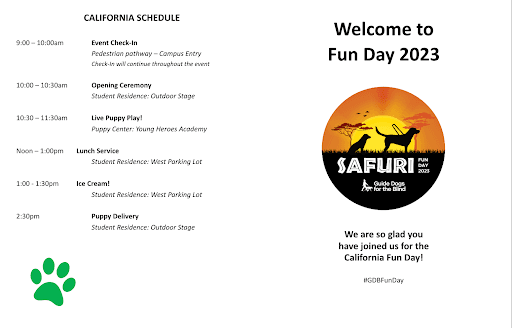
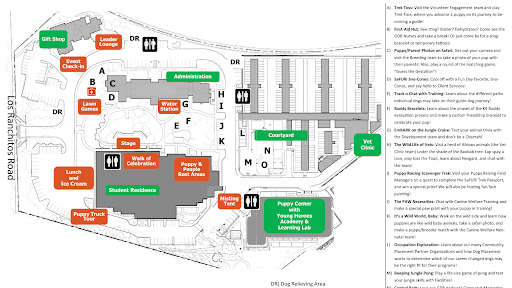
We analyzed the existing Fun Day brochure to understand:
How attendees navigate the event today
What information is most critical on-site
How maps, schedules, and activity details are structured
Key Takeaways:
Maps and schedules are the most frequently referenced assets
Information density makes quick navigation difficult
Familiar structure should be preserved to reduce learning friction
Ideation/Design Strategy
Design Exploration
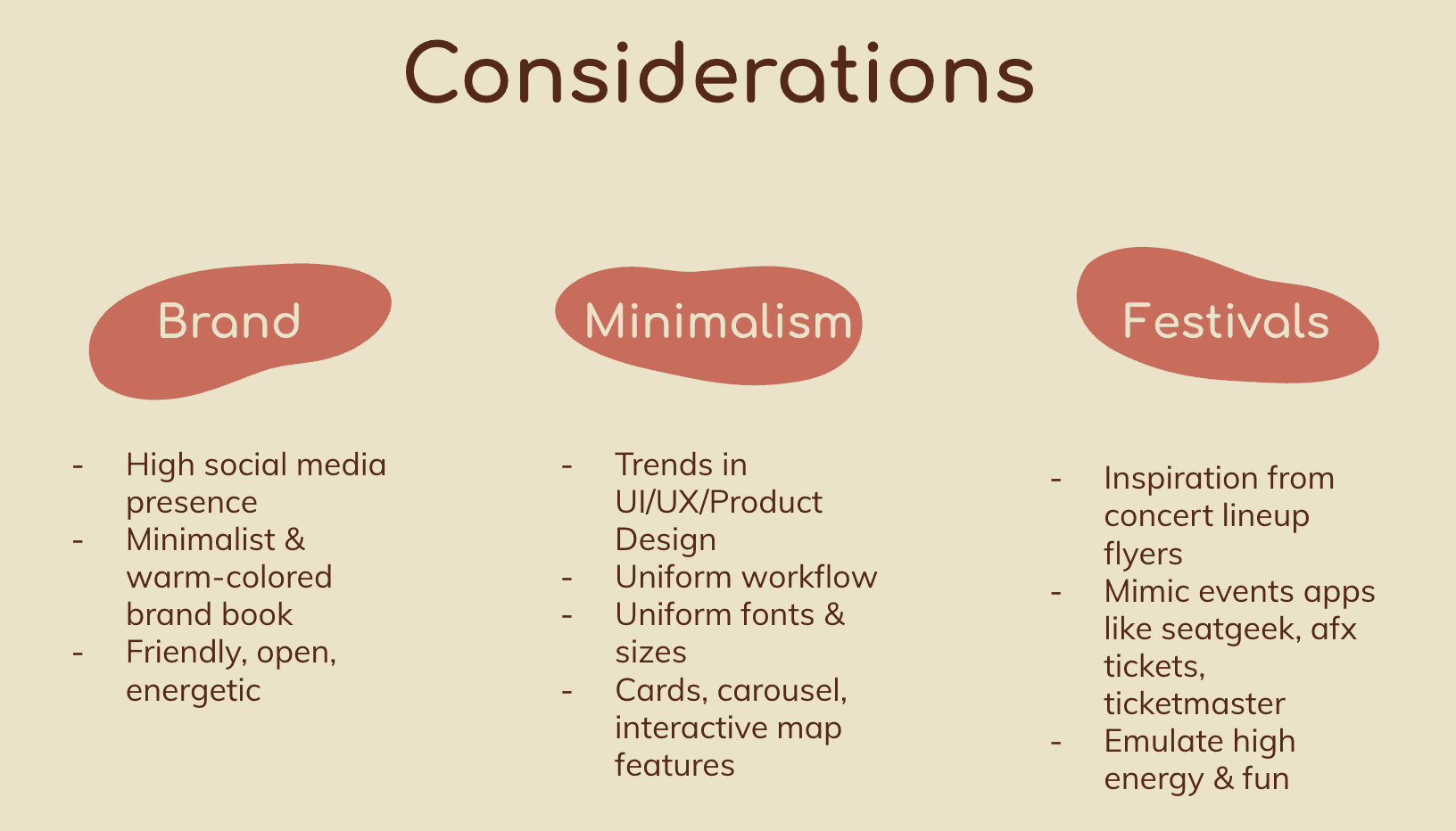
Each team member explored independent UI concepts in Figma, allowing us to compare layouts, navigation patterns, and interaction models.
My design focused on:
Clear, minimal navigation
High-contrast, legible UI elements
Simple flows for map access and schedule viewing
After reviews, we synthesized the strongest ideas into a single, cohesive app design.
Design Solution
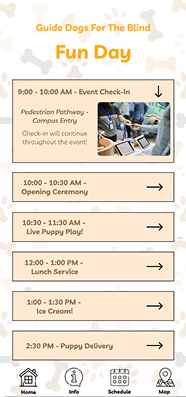
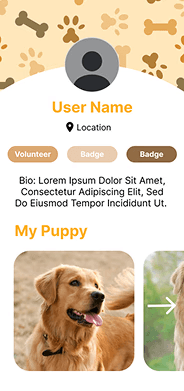
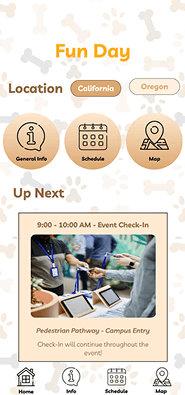
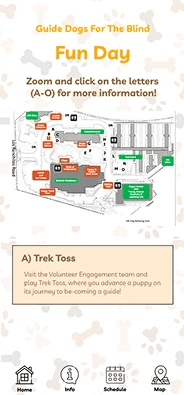
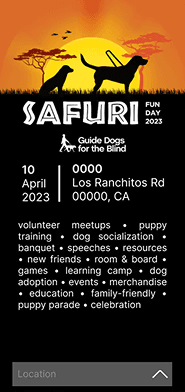
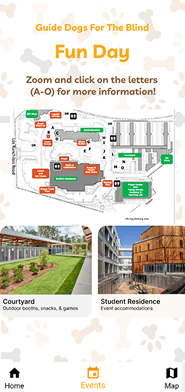
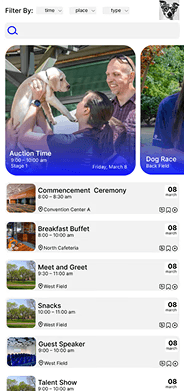
The final design translated brochure content into a mobile-first experience with intuitive navigation and reduced cognitive load.
Core Features:
Digital event map with clear landmarks
Centralized schedule and activity details
Simple navigation optimized for on-the-go use
Implementation / Development
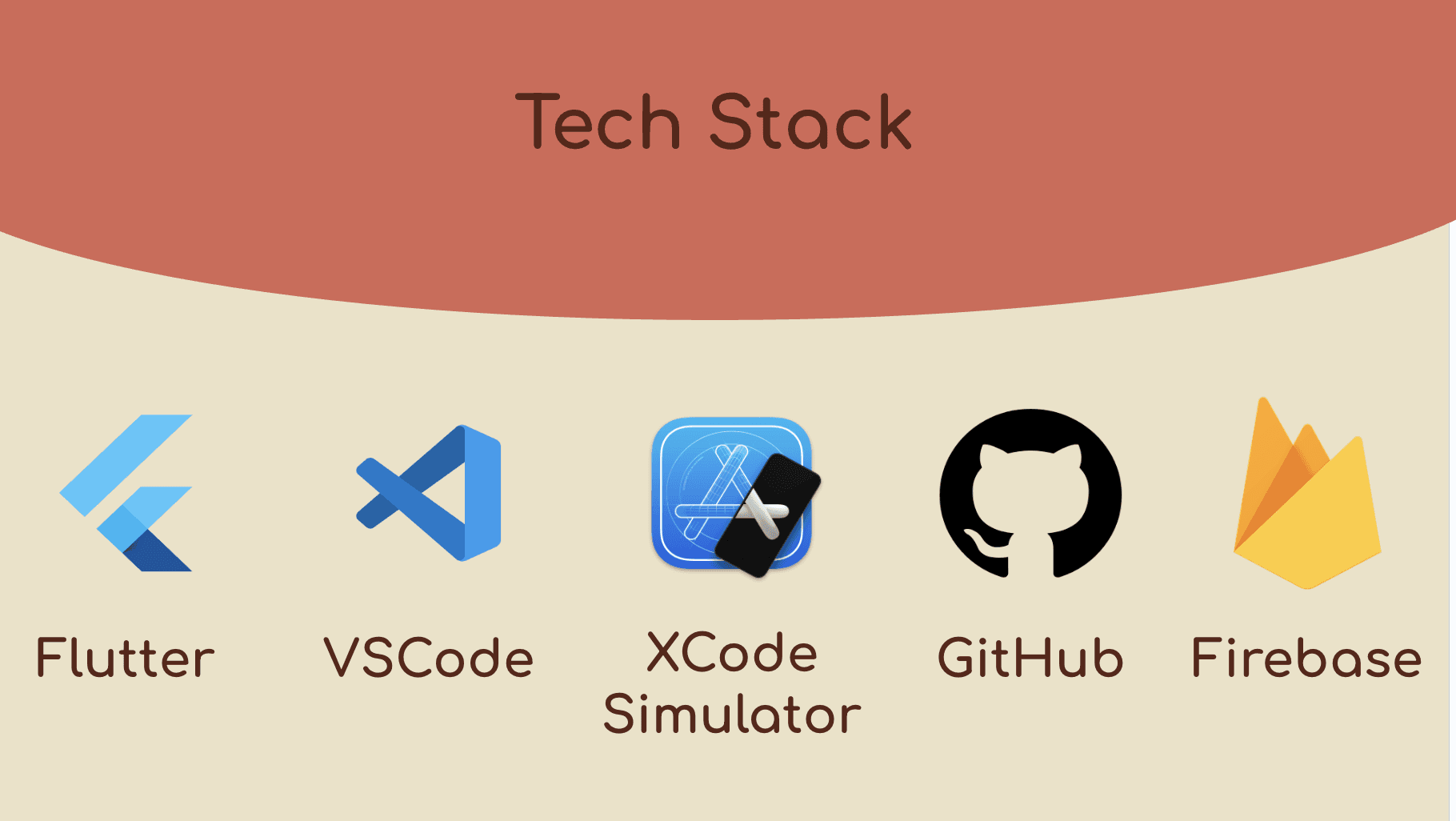
To bring the designs to life, we built the app using a cross-platform tech stack.
Technical Approach:
Flutter for iOS-compatible development
Firebase for backend data handling
GitHub for version control and collaboration
Xcode Simulator for real-time testing and iteration
A key challenge was maintaining design fidelity while translating Figma components into functional Flutter UI. Frequent simulator testing helped ensure visual and interaction consistency throughout development.
Current Status & Next Steps
The app demo is still in progress. Future iterations will focus on:
Finalizing interactive map functionality
Improving accessibility support
Polishing performance and UI details
Learnings / Reflections
This project strengthened my ability to bridge design and development, especially when building for accessibility and real-world constraints. Translating static materials into a functional app required thoughtful prioritization, attention to detail, and constant iteration.
Working with Flutter and Firebase deepened my understanding of cross-platform development, while the project reinforced the importance of designing inclusive digital experiences that empower users to navigate independently.